Home-Lab Setup
Intro
What started out as just messing around turned into a 10 inch server rack over the duration of a few years and i could not be happier of how it all turned out and how much i learned in all this time.

In the very beginning i started out with just a
Fast forward some time and I got around to buying my
We now have arrived at my current setup in the Picture which consists of a
Setup
Feel free to jump directly to the wiki sections for some of these things.
Proxmox Ubuntu Setup
How to setup a Ubuntu Server VM in Proxmox
Docker Setup Guide
A guide for setting up docker and Dockge
Reverse Proxy Setup
How to setup your reverse proxy and proxy a service using it
Mount SMB Shares and HDD/USB
How to mount SMB Shares and HDD/USB Sticks on boot
Hardware
Dell OptiPlex 3050 Micro
- CPU: Intel i5 7500T
- RAM: 16GB DDR4
- SSD: 1TB Nvme
- OS: Proxmox
- First Node
Beelink Mini S13
- CPU: Intel N150
- RAM: 16GB DDR4
- SSD: 2 x 500GB Nvme
- OS: Proxmox
- Second Node
Raspberry PI 4
- CPU: ARM Cortex-A72 (ARM v8)
- RAM: 8GB
- SSD: 32GB SD Card
- OS: Raspberry PI OS
- Quorum Device
Synology DS223
- CPU: Realtek CPU
- RAM: 2GB DDR4
- HDD: 2 x 4TB Synology Drive
- OS: Synology OS
- Main NAS
Misc Parts
Software Running on the Server
Dell Optiplex 3050 VMs
Ubuntu Server VM for Docker Link
Home Assistant OS VM Link
- Home Automation
- Manage Phone Notifications
- Schulde Home Tasks
- Zigbee2Mqtt
- Mosquitto Broker
Dell Optiplex 3050 LXCs
Wireguard LXC Link
To stay connected to my home network when out and about
Adguard LXC Link
Ad blocking, DHCP and DNS server
Beelink Mini S13
Immich LXC Link
For ditching Google Photos for good now
Raspberry PI 4
RClone Server
A place to backup important nas files to yet another drive.
Quorum Device
To solve the problem of a two Node Cluster being read only when one node is down.
Backup Plan
For backups i try to follow the
The Backups on the NAS are also protected against single drive failure because of the
The 3-2-1 Rule
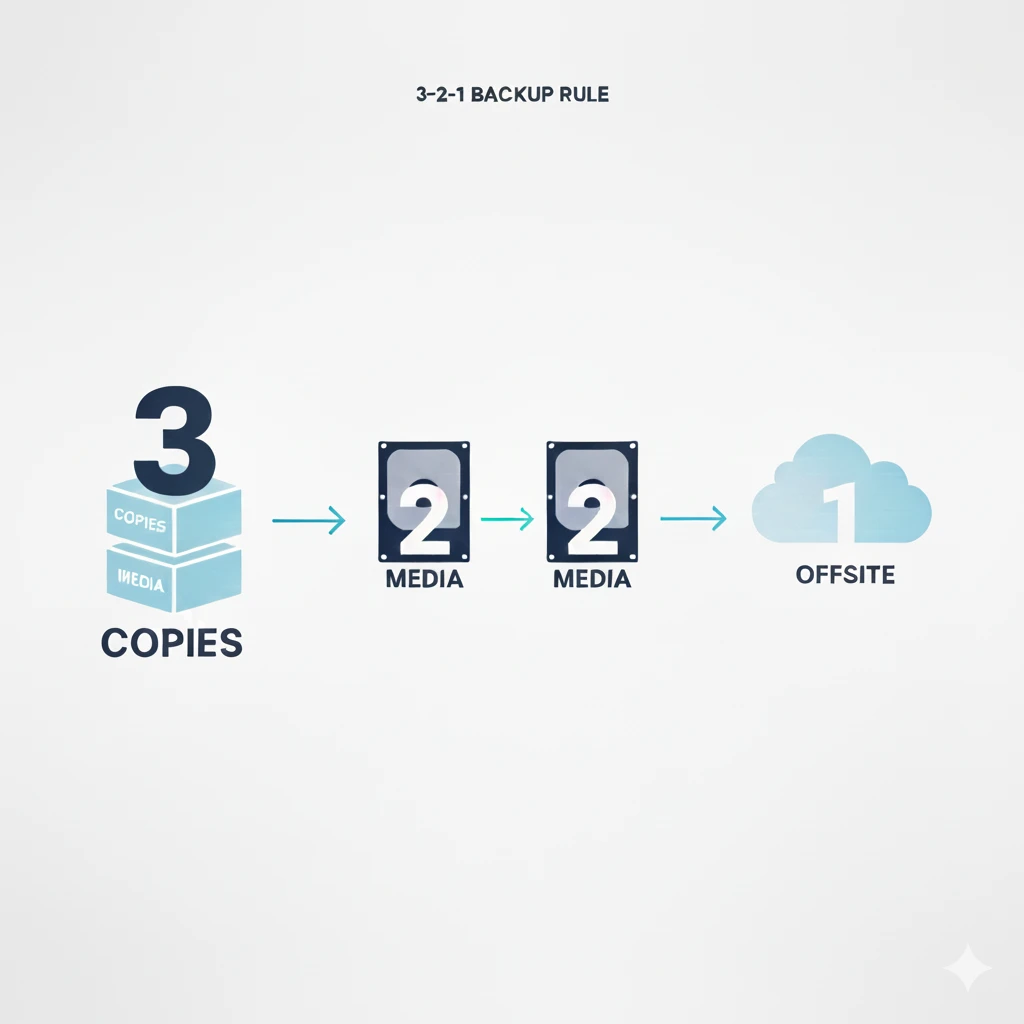
This rule states that you should have at least
In my case that would be that i have the
Even if my House burns down, this should suffice for disaster recovery, since the VM and LXC dumps will be saved offsite. If for some reason my house and the cloud provider burn down at the same time... well bad luck i guess.